Driving with cFS
Controlling BLINK with NASA cFS
Recap
So now that I had a foot hold on the steam deck, it was time to start actually programming the system and getting the pieces in there to make this system actually work.
Game Plan
So here is my architecture:

So thats a lot of lines and what not. So I can break it down a bit. So everything in the cFE core is what is provided by the core services of cFS. They are already built in and are usable through their APIs. Going from left to right, I will be using SB for controlling and managing the main software bus of the system. TIME will be flywheeling and driving SCH which is my scheduler that will drive housekeeping to Joy(JoyStick Application) and BKC(BLINK Controller). TBL will be used to manage the configurations for the controller and EVS and ES will be used for managing the system as a whole. Now in the open source side, I am utilizing SCH that was original open sourced by NASA but then no longer supported. I ported this app to draco-rc4 myself so I have a somewhat custom build for it, but it works just the same. Just changed stuff to be compatiable with new OSAL and PSP.
Finally to the actual control part of the system, there will be 2 apps running practically all the time. On the left is Joy. This app will be responsible for reading in JoyStick Data from the steam deck using the joy_lib library. I have already written this stuff for another project’s cFS port (VERTEX) so I am just reusing that code here; no new development. That being said, I will have to figure out the new configurations required for Joy to run with the joysticks of the steam deck.
Then there is BKC; this app is purely for BLINK alone so I will need to develop stuff for this. This app will utilize Lego_lib, a custom library that will wrap all the lego bluetooth protocal code.
Setting up Joy
Setting up the Joy app was actually kinda fun since there was no documentation really that told me what buttons and axis mapped to what index in the outputs from /dev/inputs/js0 (the driver interface for the controller integrated with the steam deck). A such I played a game of trial and error to figure out what indexes to use for my control scheme. Below are the mappings I used:
| Button | /dev/inputs/js0 Indx |
|---|---|
| X | 2 |
| A | 0 |
| B | 1 |
| Y | 3 |
| Axis | /dev/inputs/js0 Indx |
|---|---|
| Left Trigger | 2 |
| Right Trigger | 5 |
| Left Thumb Stick Left Right | 0 |
Now that those were all mapped into the Joy App, I was able to get all the controls I wanted to be able to drive the car with the GTA control scheme.
Transmitting to the Car
Now that I had a packet flowing to my control application that consisted of the button inputs from the steam deck, I needed to write the layer that actually sent the message to the car. To do this I first started with the actual bluetooth interfacing code, Lego_lib.
This library was written very abstractly so that in the future I could in theory interface with another lego bluetooth brick. The design was very simple. You have a struct where you provide the configurations you have for the brick and the pointer to the dbus handler for the bluetooth link. Then there was just a function or 2 to just read and write data to the device. Finally, I tossed a function in there for closing the device and I was good to go!! I did hardcode the lego specific ids required as part of the GATT protocal but other than that this code can be used later if I ever have the unfortunate luck of dealing with bluetooth.
Next it was time to write the actual application. This was not to bad since it was just a matter of translating the code from Professor Brick’s Xbox python scripts to C and scaling the input to from the Joy app to correctly control the car. After that was done, it was just a matter of giving these apps their respective proirities and everything was complete for me to start playing with this.
Playing with Legos
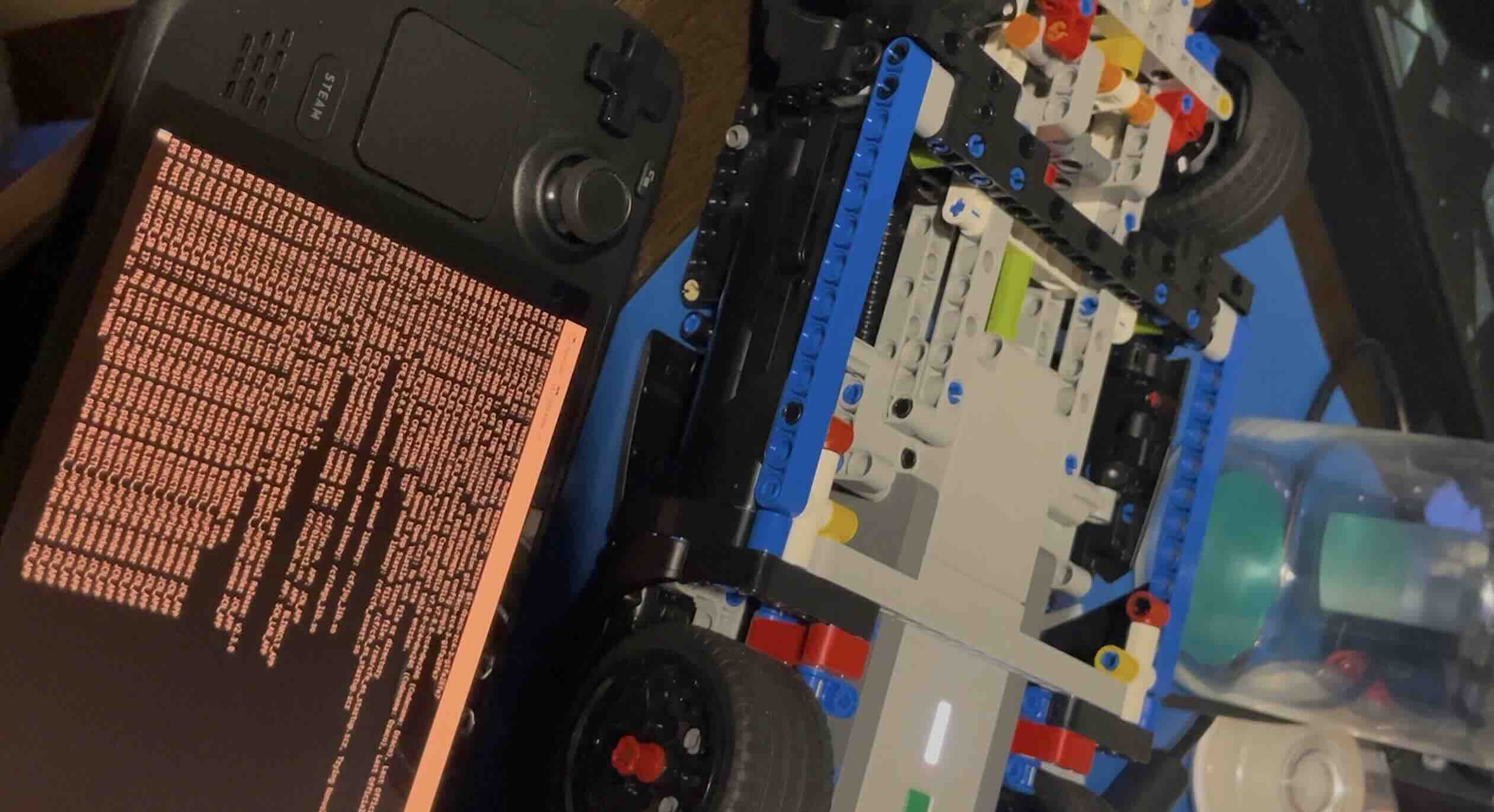
Finally the fun part, I was able to get the lights, steering and traction to all work. There was a really weird issue with the brick that did not let me do reversing but honestly who need to go backwards anyways?
Feel free to email me if you would like to get the code.